> For the complete documentation index, see [llms.txt](https://zkml.gitbook.io/zkml/llms.txt). Markdown versions of documentation pages are available by appending `.md` to page URLs; this page is available as [Markdown](https://zkml.gitbook.io/zkml/products/lenz-ai.md).
# Lenz Ai
Analyze and give compliance opinions on any web3 product/project based on actual crypto laws.
Risk analysis reports are critical for every business. This empowers the decision making process for every sector.By being able to identify potential risk you are being safeguarded from nefarious actors. With tools like our app Lenz, organizations can detect vulnerabilities early.By automating risk analysis, you are saving on time and resources.
\
Example : \
\
You are a lowcap/midcap project with an LLC ( or any others company statut) and you want to make sure that all your products are compliant toward current laws ( such as RGPD, KYC, AML, etc). Follow theses steps and Lenz will produce a clean PDF analyze !\
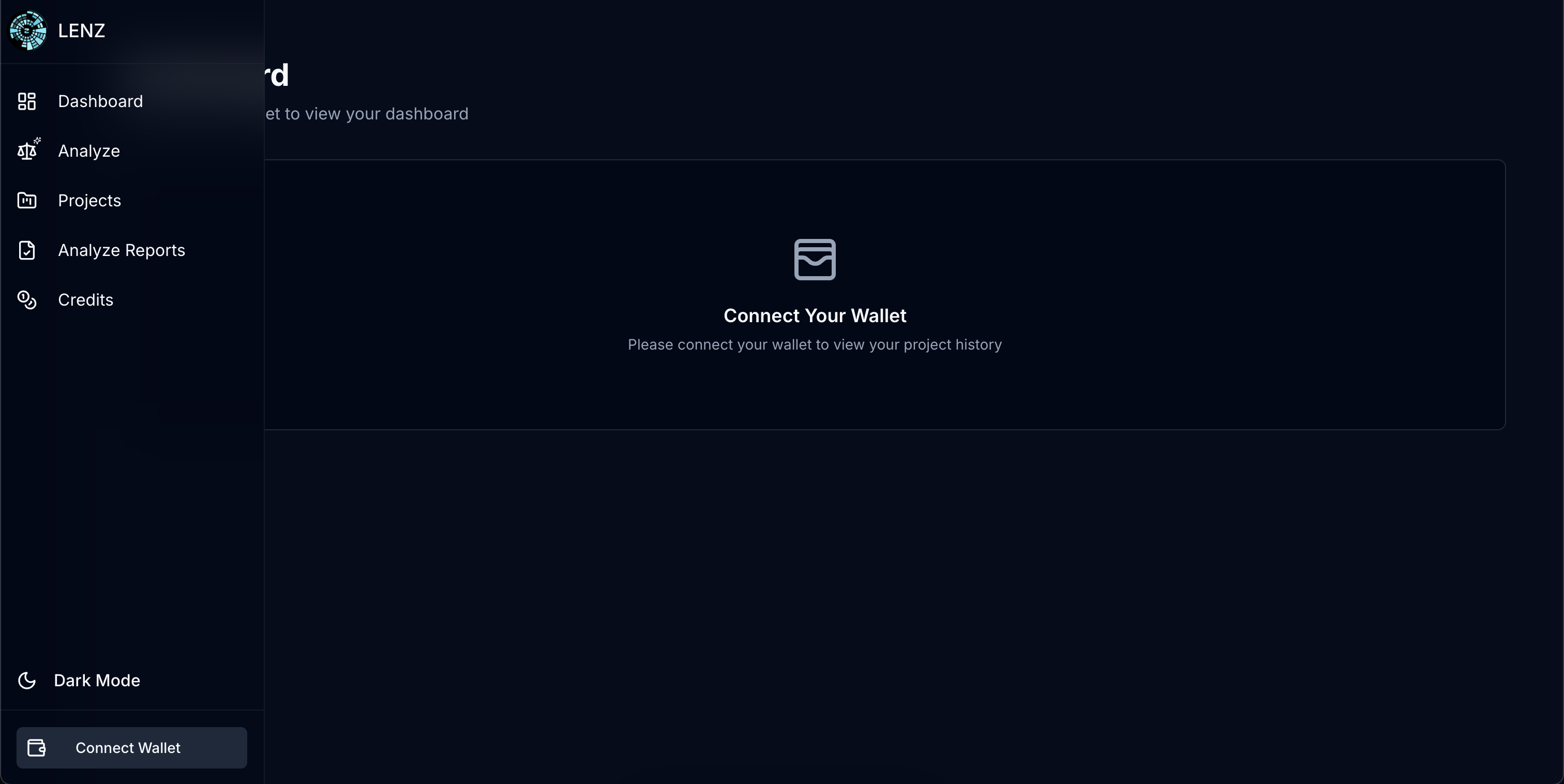
\ **Step 0 : Connect your wallet**\
\
Bottom Left ( on the side menu), click on "Connect Wallet" and choose your preferred wallet
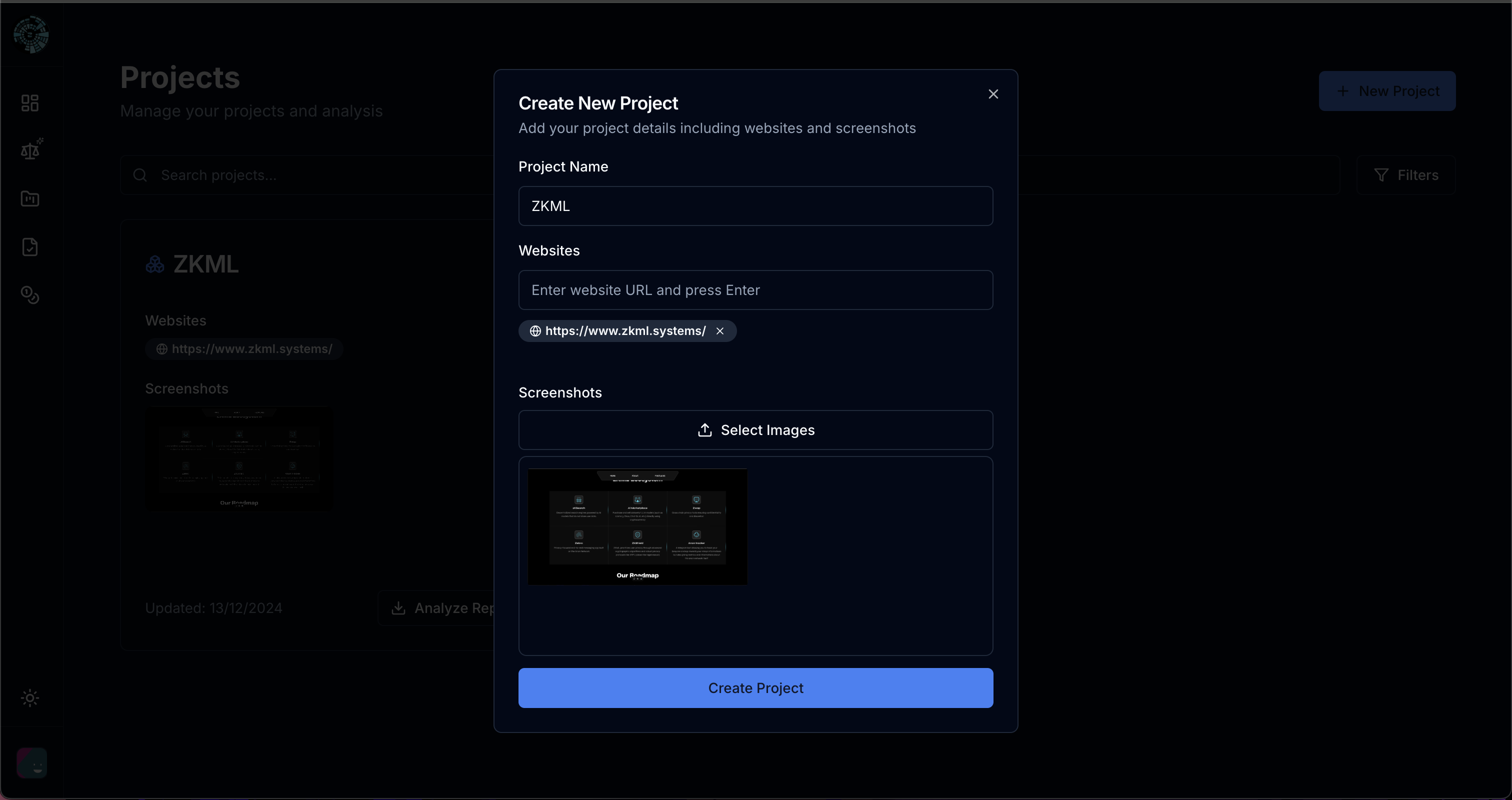
**Step 1 : Create a new project**
Click on "New Project" on top right
Simply paste any url on here, as well as screenshots of your products. \
How it work ? It's pretty straightforward, Lenz will scrape all domains/subdomain data and use an OCR recognition to extract all text from your given screenshot.
When done, just click on "Create Project "
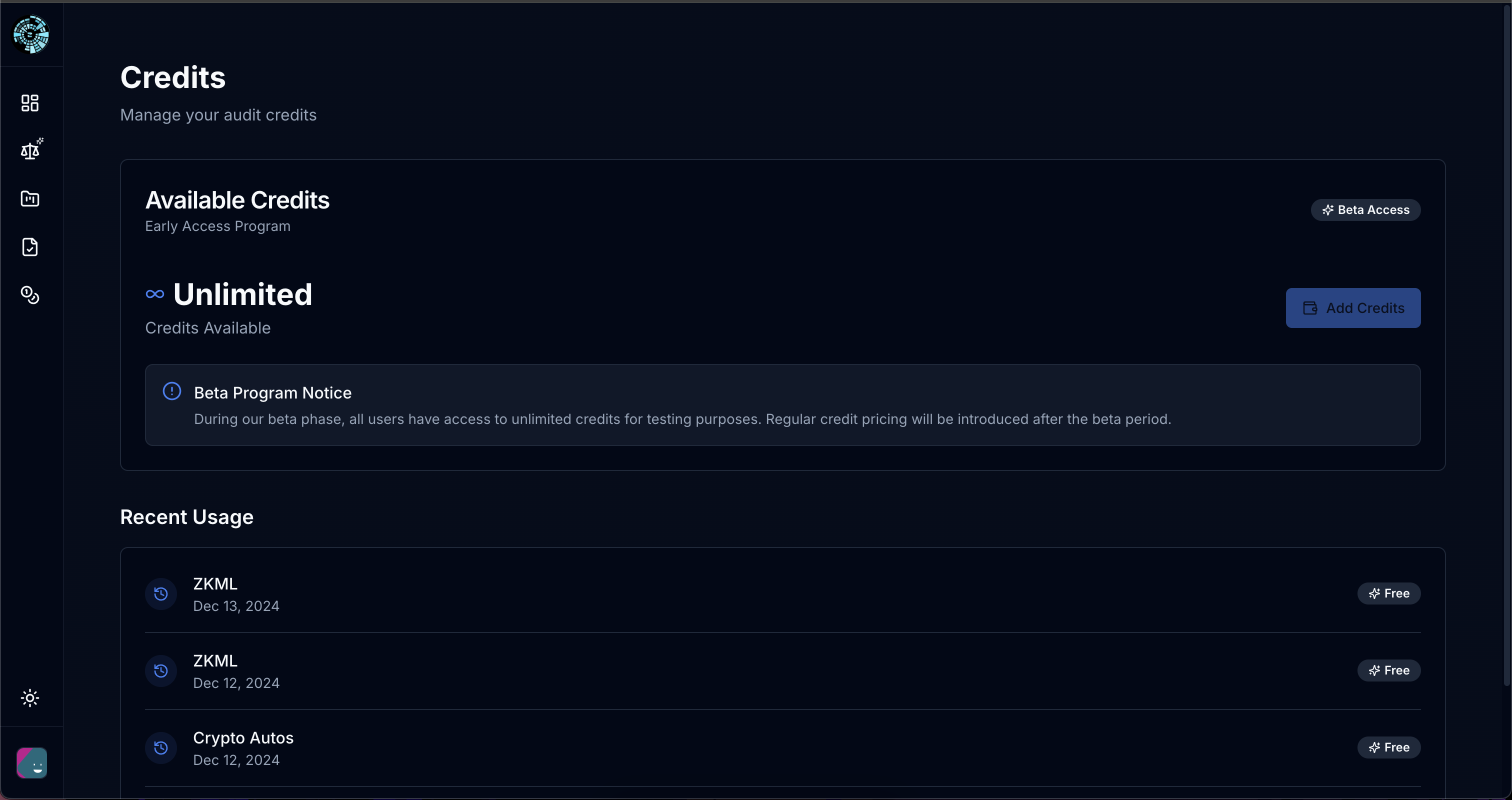
**Step 2 : Buy Credit**** ****( skip this step if you are reading this during our early access phase)**
Make sure you have enough credit ! If you dont, click on add credit and pay.\
You should receive them shortly ( if you have any issues dont hesitate to let us know => )
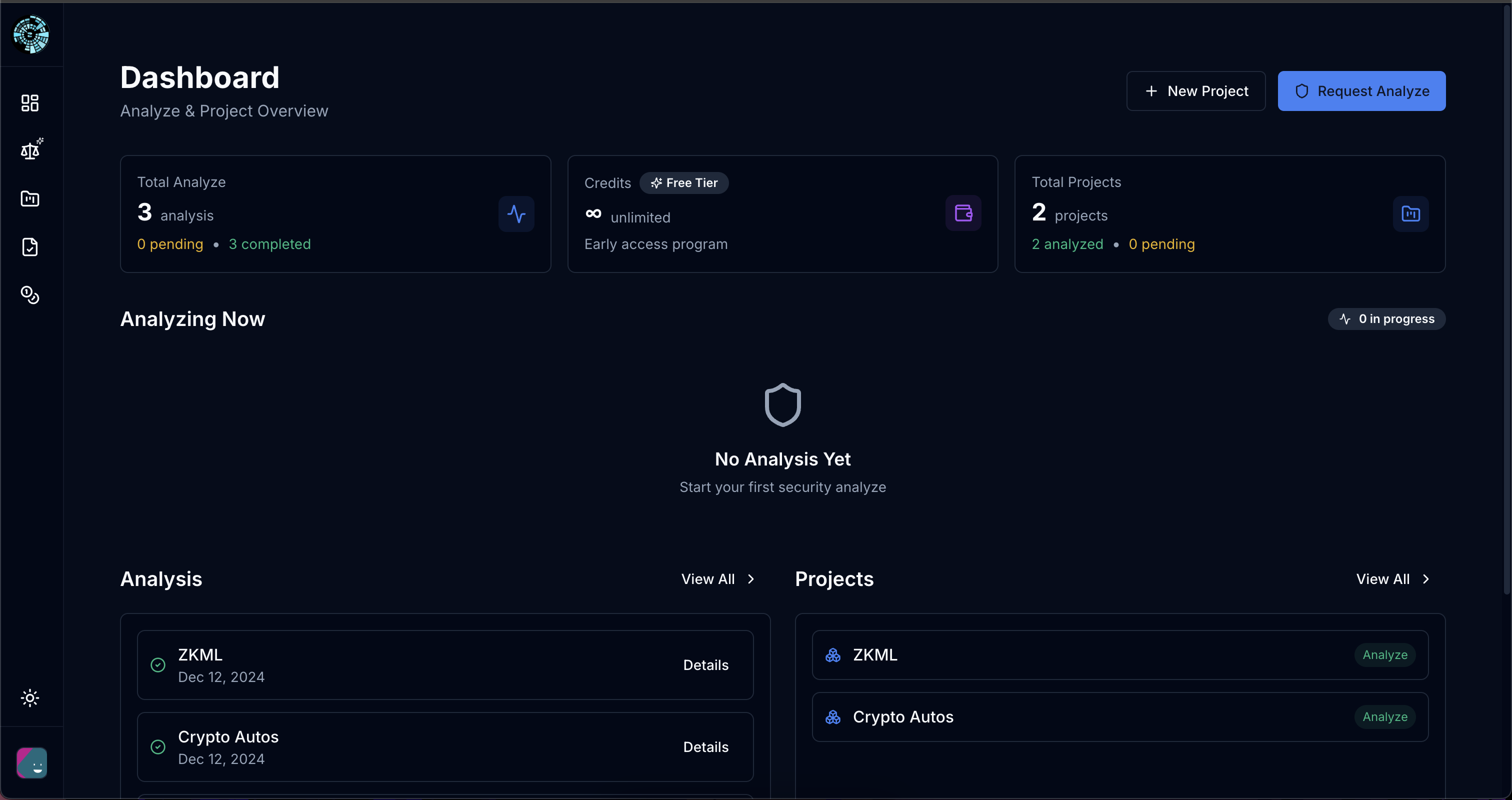
**Step 3 : Analyze the project**
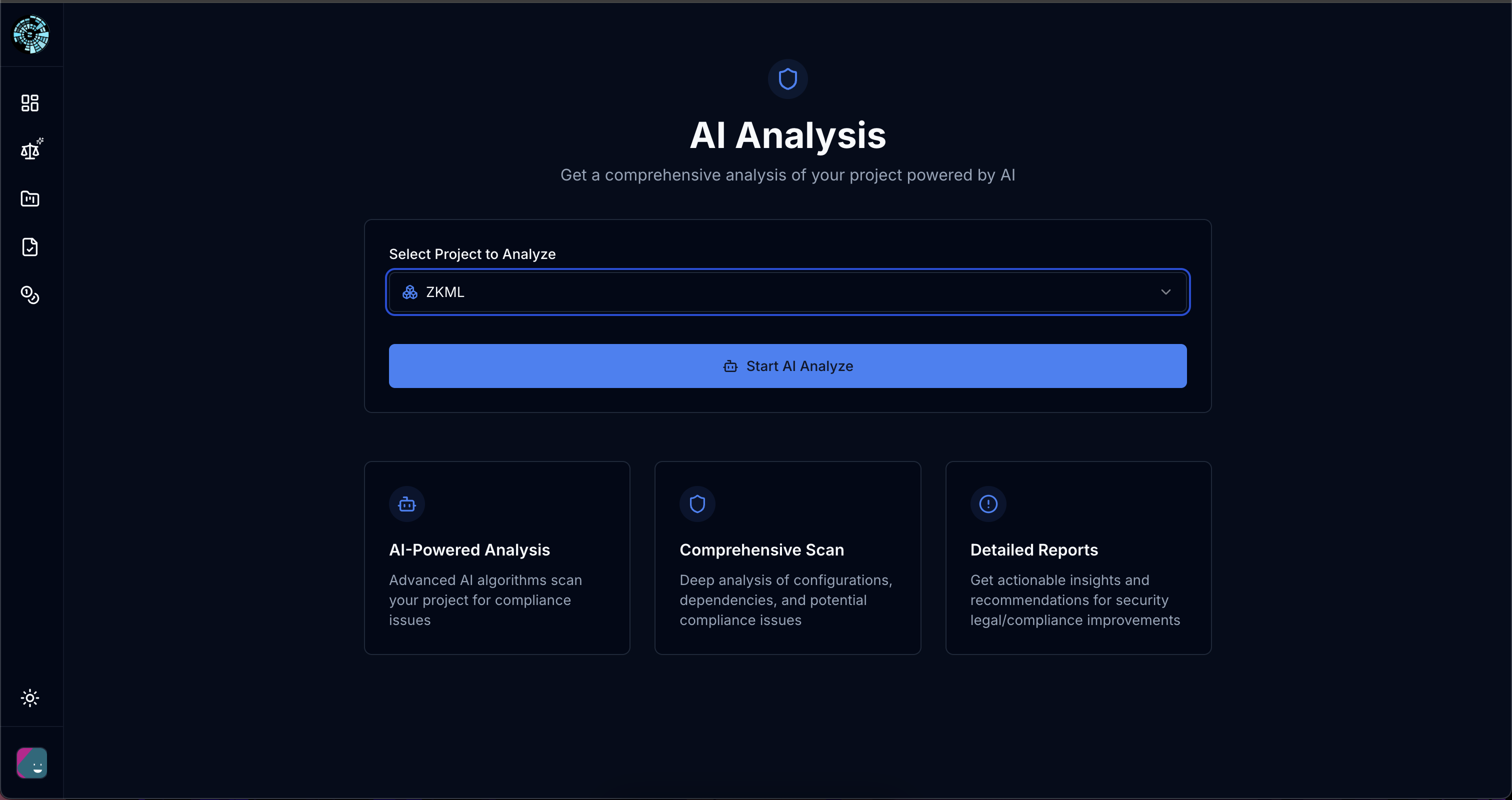
Head over to and choose which project you want to analyze. \
In our case its ZKML (which we created earlier on this tutorial) .
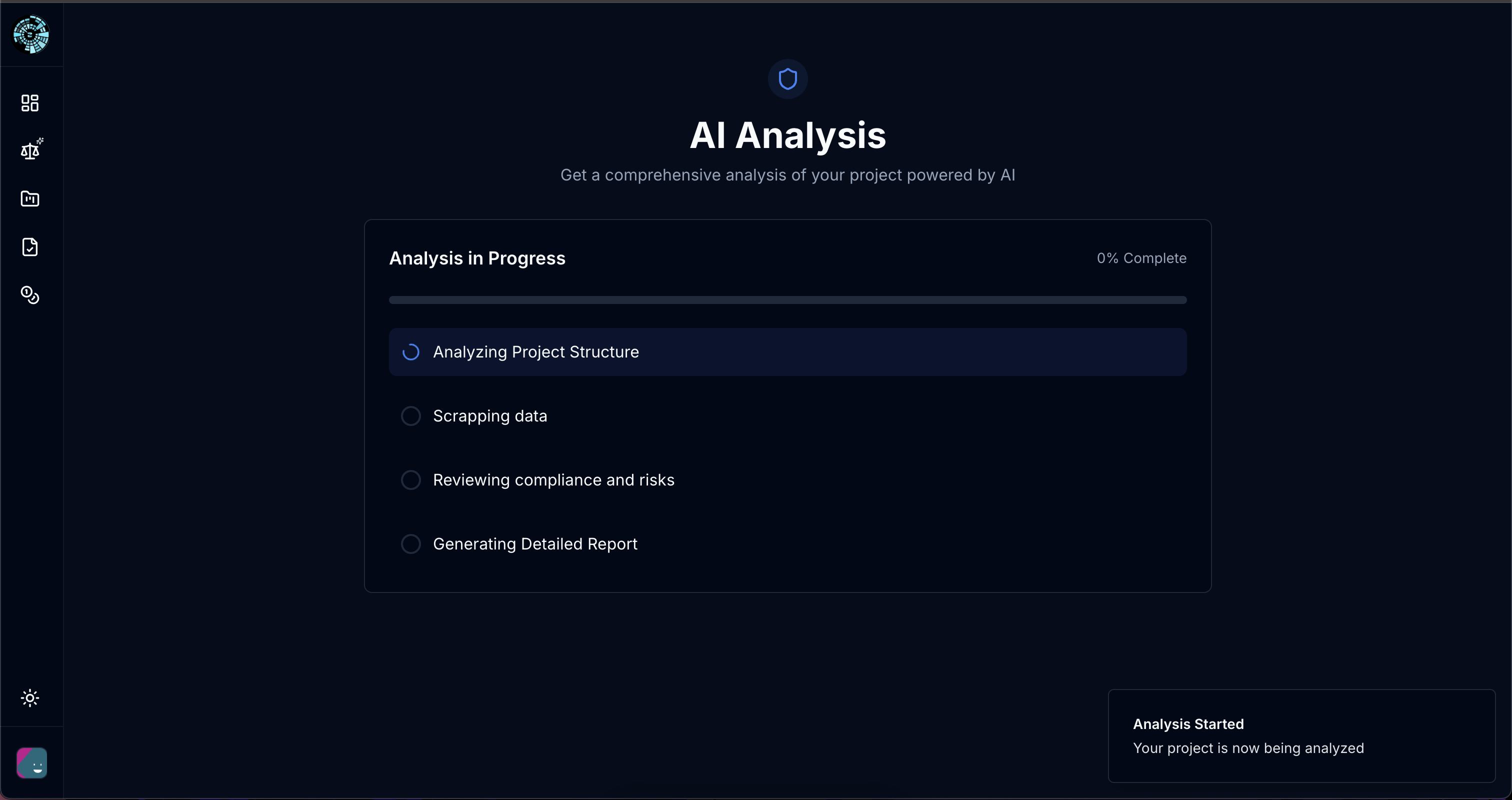
To start the analysis, simply click on "Start AI Analyze"
Wait until its done, usually between 1-4 mins
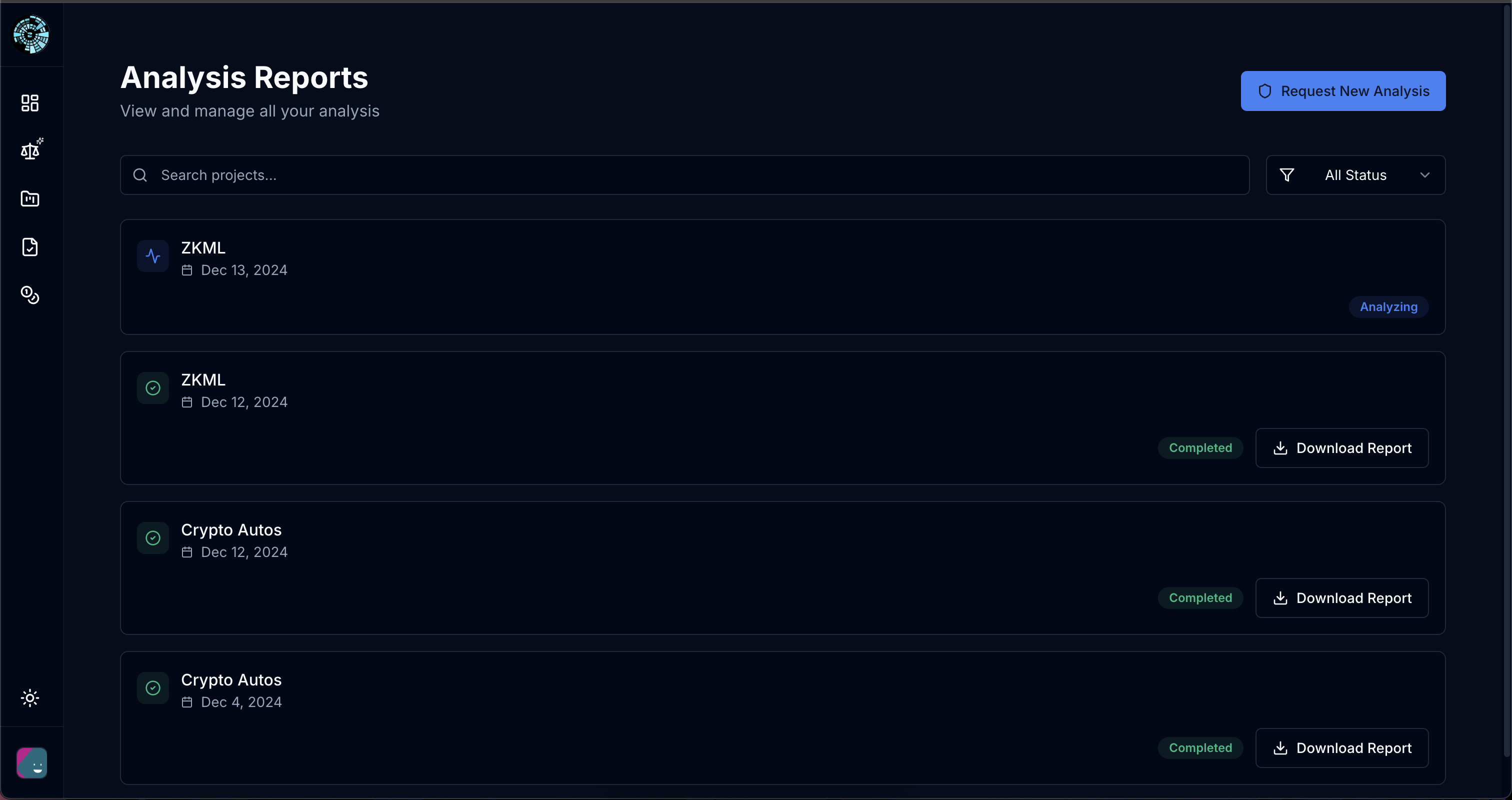
**Step 4 : Check the generated PDF**
When done, you will be able to check your analysis, you can download it directly on your computer/phone directly from here : \
\
Click on "Download report"
( always double check the url please )
**Try Lenz AI Now :** \
[**https://lenz.zkml.systems**](https://lenz.zkml.systems/)
## Use Cases :
**Drastically lower lawyer consulting cost**
**Remove/lower compliance threat**
{% hint style="danger" %}
Lenz AI uses artificial intelligence to provide analyses and opinions on the compliance of web3 projects. However, these insights should not be considered official legal advice. We are not lawyers, and the results generated by Lenz AI should be reviewed and validated by qualified legal or professional experts. By using this tool, you agree that Lenz AI and its creators cannot be held liable for any decisions or actions taken based on these analyses
{% endhint %}